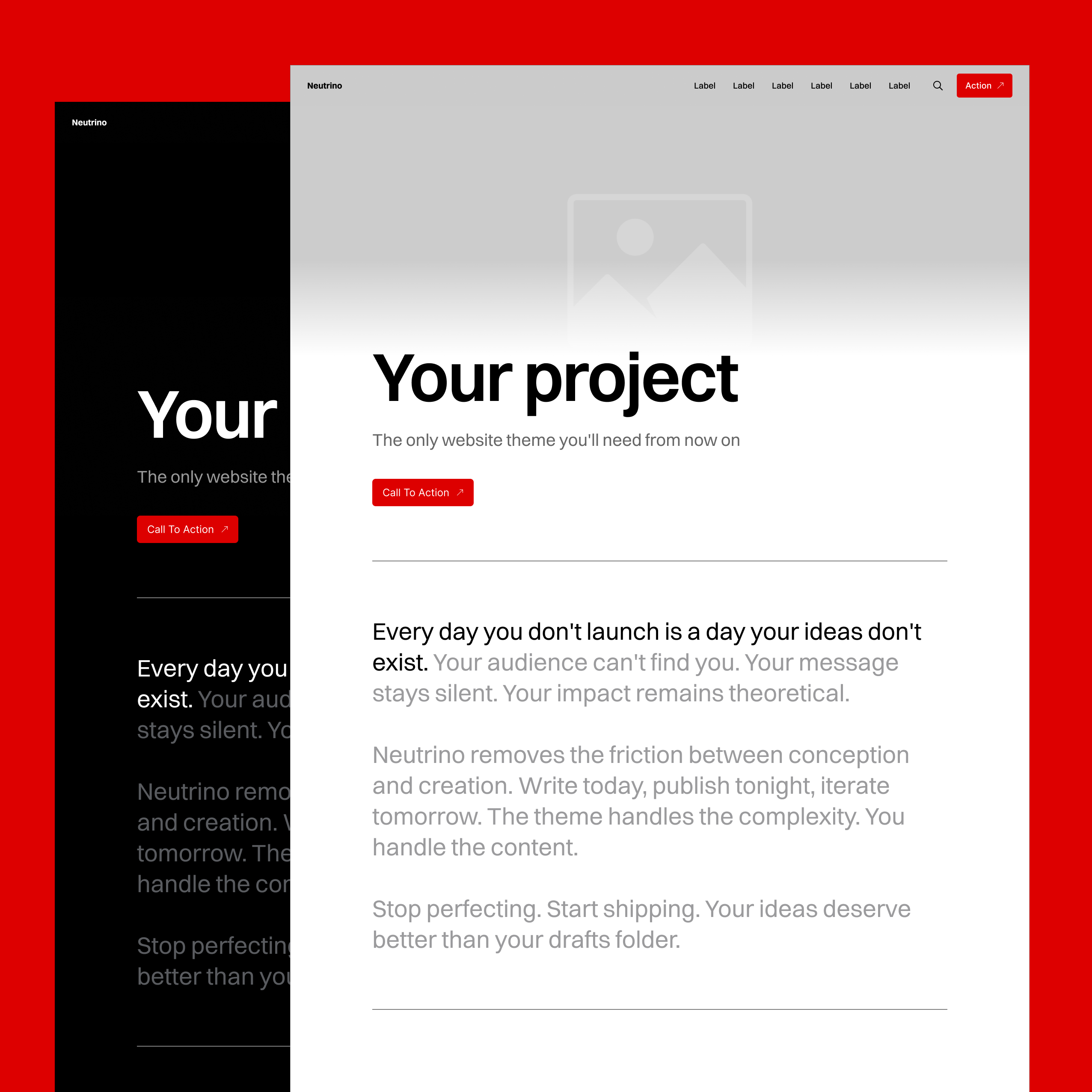
Hero Cover
All works of content have covers – books, magazines, movies, albums, even podcasts and social media videos… Why should websites be any different? Instead of cramming as much as possible above the fold, Neutrino gives posts and pages premium real estate for making first impressions and setting the tone for what follows.
A cover isn’t decoration. It's where content does branding.
Readability Optimizations
Background Blur
The site header uses a frosted glass effect to ensure the navigation and logo stay readable regardless of what's underneath.
Automatic Contrast
The logo and navigation text automatically change from black to white and vice versa based on the hero background color and Light/Dark mode setting.
Image Aspect-ratio Handling
Portrait & Landscape Positioning
14 positioning options for any aspect ratio:
- Portrait: Left, Center, Right, Top, Middle, Bottom, Fit
- Landscape: Left, Center, Right, Top, Middle, Bottom, Fit
No more unnecessary grunt work of cropping images to a theme-specified format before uploading. No more awkward cropping on opposite screen orientation.
Viewability
Images positioned to the left, right, top, or bottom animate during initial scroll to reveal the rest of the image cropped out of view.
No-image Fallback
Without a hero image, the container collapses into a classic title section with an elegant golden ratio proportion.
Title Optimization
Dynamic H1 Sizing
Headlines scale based on character count:
- 1-15 characters: Scale up for impact
- 16-45 characters: Default size
- 46-100+ characters: Scale down to ensure enough space for the hero image to be visible
Write naturally. Short product names get billboard treatment. Long technical titles condense.
Video Support
Replace static images with videos. Same positioning controls, same responsive behavior. Videos also autoplay in post cards on listing pages.
Color Intelligence
The background color isn’t trivial decoration. It affects browser UX, rendering of post lists, and it's a question of branding.
How it works:
- Theme extracts a dominant color from the image after upload.
- You can specify a custom color value to replace the automatically assigned one.
The background color affects:
- Page/Post hero section — visible if hero image contains transparent areas.
- Tag category lists — set as list card background.
- Mobile OS status bar – color-matches for a more immersive app-like edge-to-edge look.
Common Use-cases:
- Brand consistency – Use only your signature color across all heroes for a monotone aesthetic.
- Duotone harmony – Pair a complementary color with your site's accent for cohesive color theory.
- Project-specific branding – Different colors for different portfolio pieces or content categories.
- Photo multi-color – Use dominant color of each photo to break the monotony of repetition and achieve a more vibrant look.
Real-World Impact
- No more wasting time cropping images to fit theme specifications
- Make once, use everywhere – A 16:9 PowerPoint slide becomes a blog post hero, which becomes a social media preview card.
- Content does the branding — Your content defines the design; the theme just ensures it works across the board.