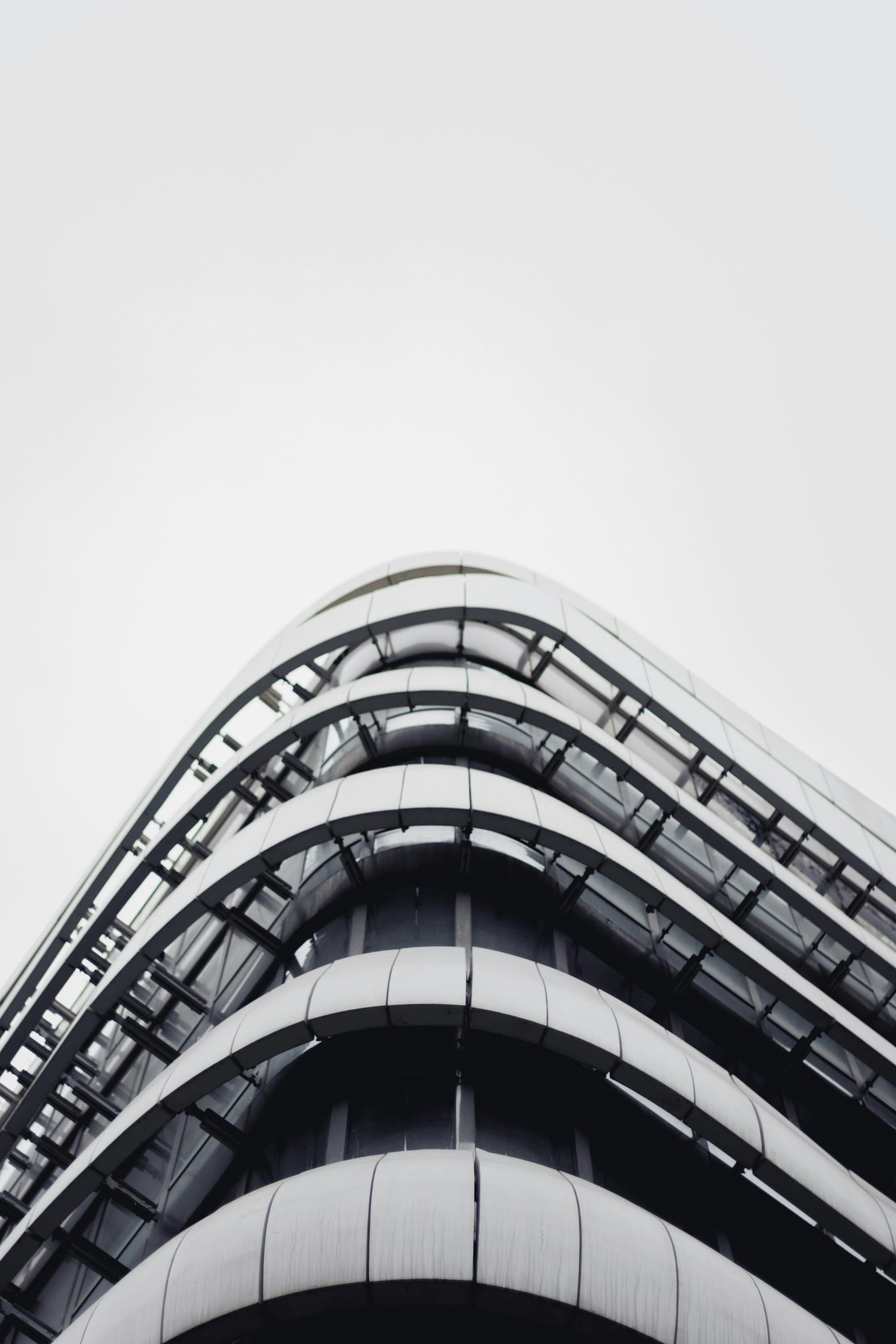
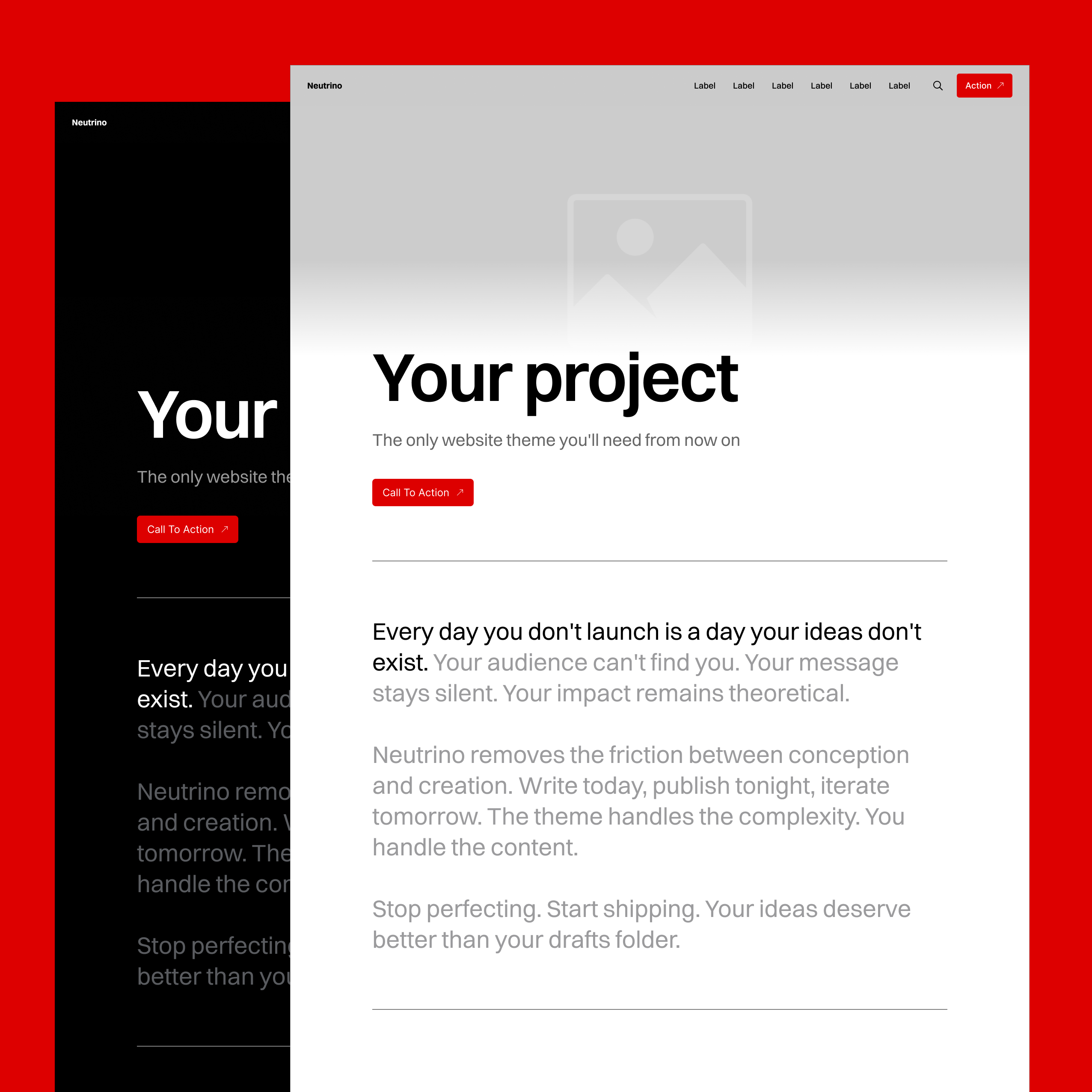
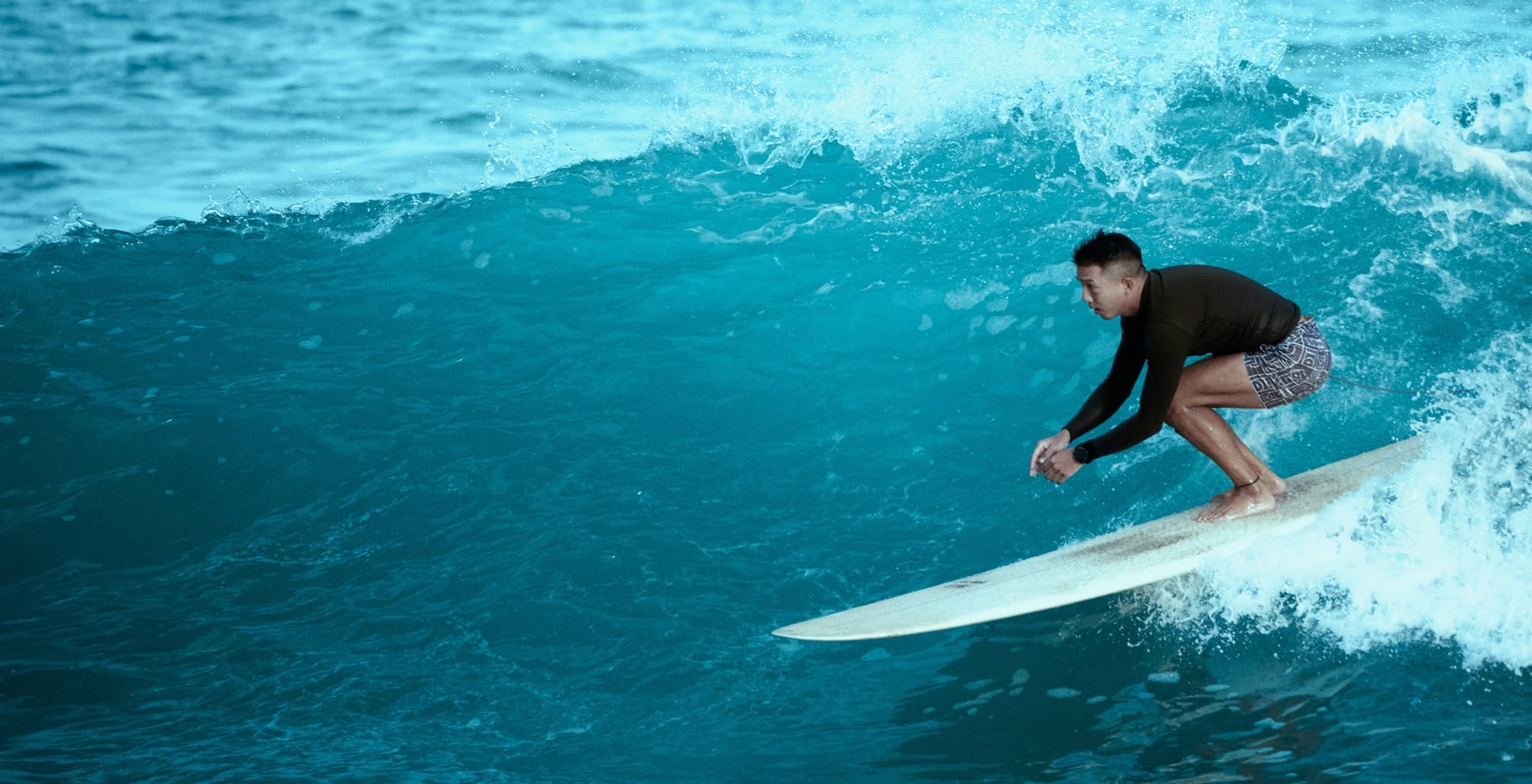
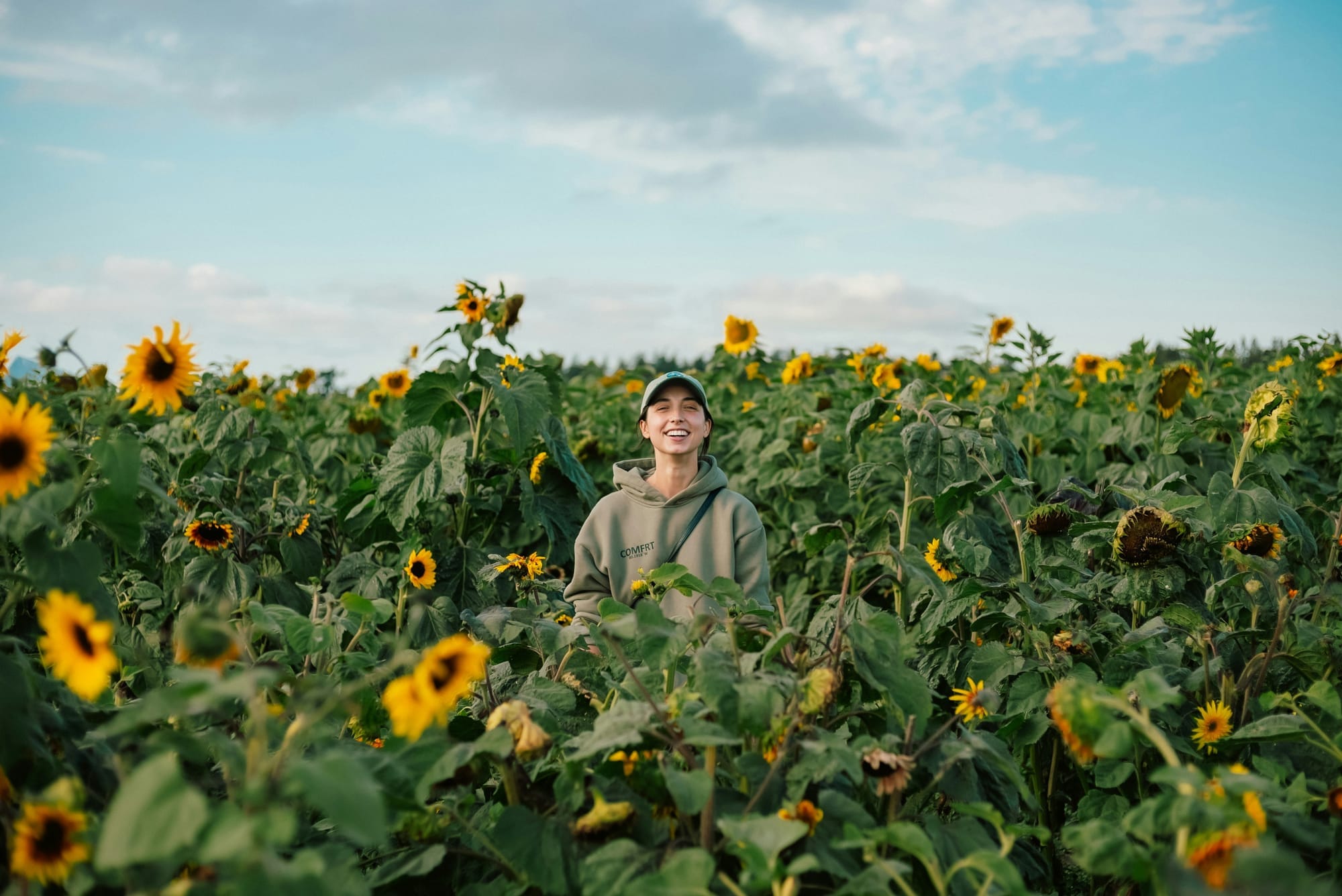
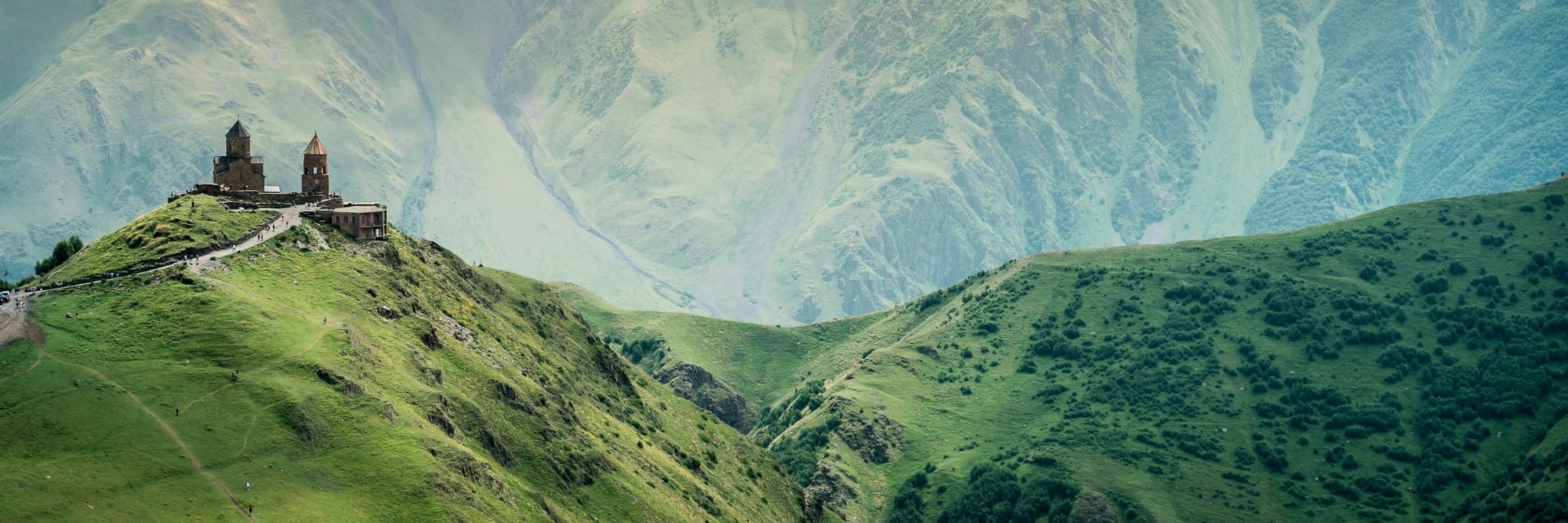
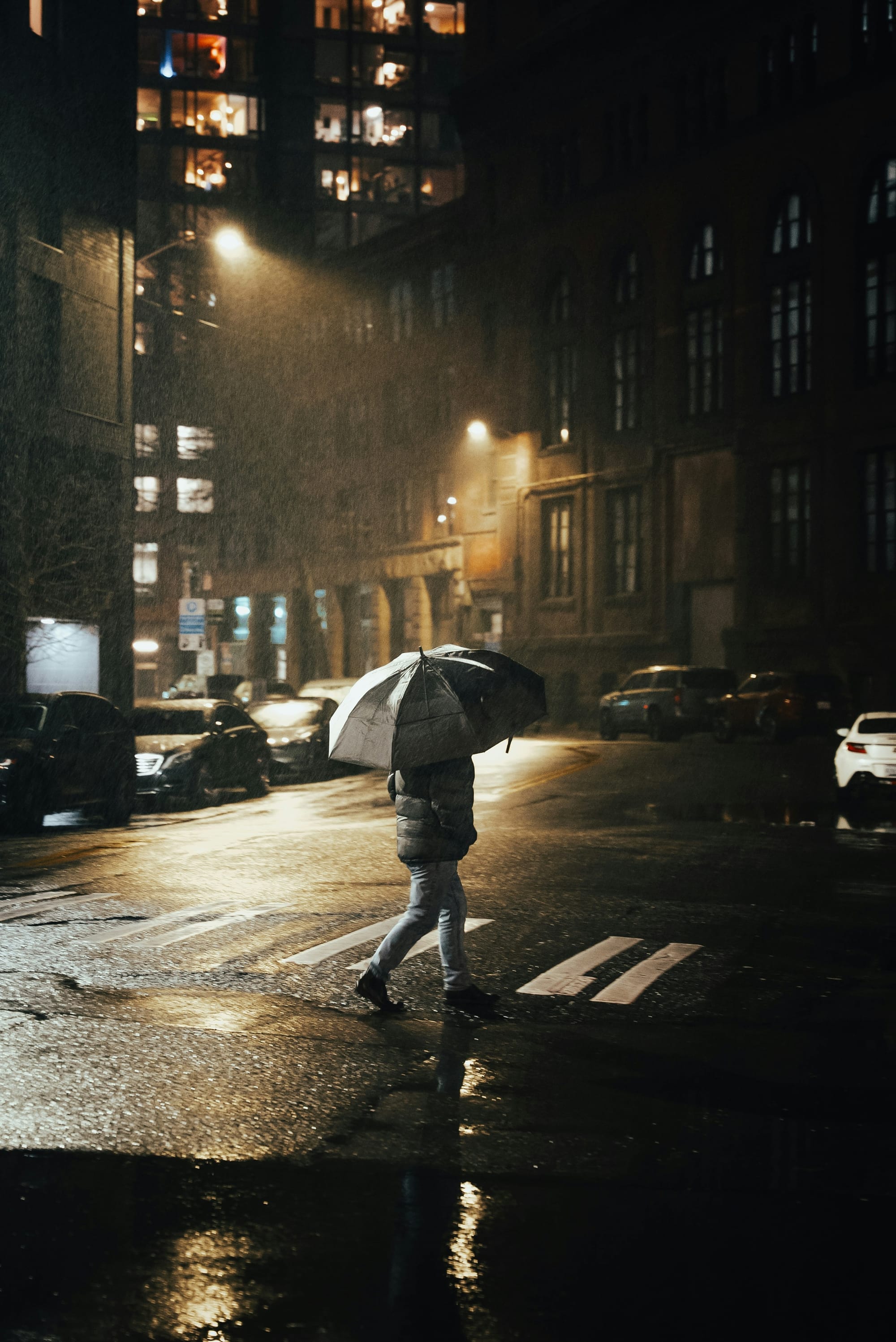
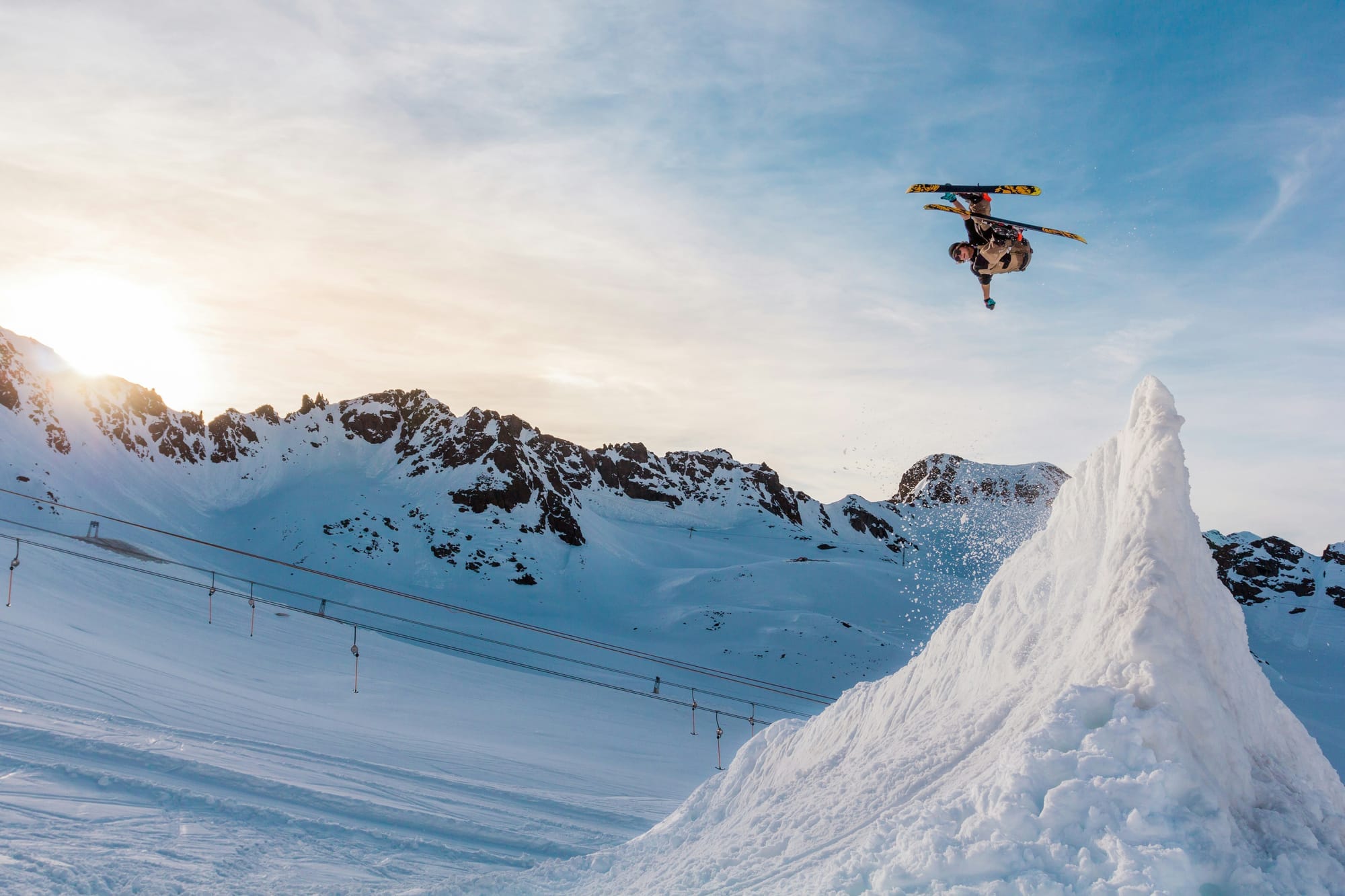
The Landscape Cover Bottom setting positions your hero image with the bottom edge aligned to the viewport, creating a dynamic reveal effect as visitors scroll down your page.
The Landscape Cover Middle setting positions your hero image with the vertical middle aligned to the viewport, creating a dynamic reveal effect as visitors scroll down your page.
The Landscape Cover Top setting positions your hero image with the top edge aligned to the viewport, creating a dynamic reveal effect as visitors scroll down your page.
The Landscape Cover Right setting positions your hero image with the right edge aligned to the viewport, creating a dynamic reveal effect as visitors scroll down your page.
The Landscape Cover Center setting positions your hero image with the center aligned to the viewport, creating a dynamic reveal effect as visitors scroll down your page.
The Landscape Cover Left setting positions your hero image with the left edge aligned to the viewport, creating a dynamic reveal effect as visitors scroll down your page.
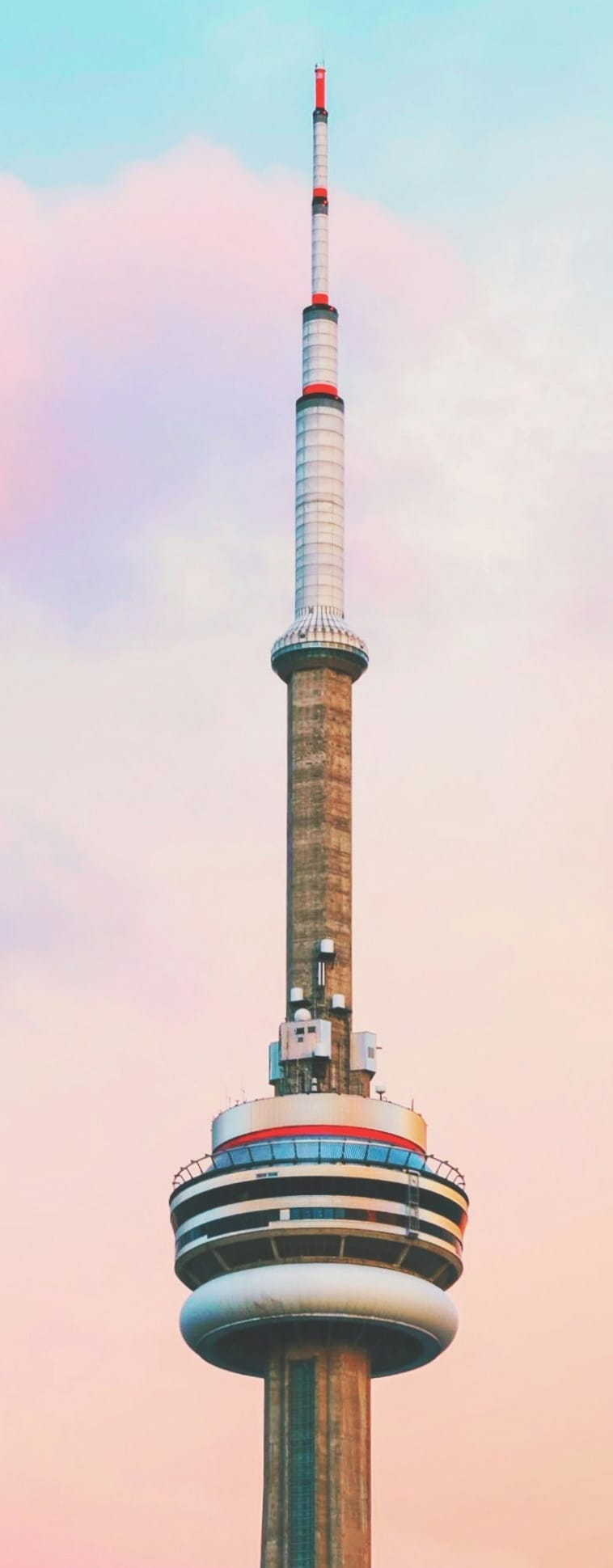
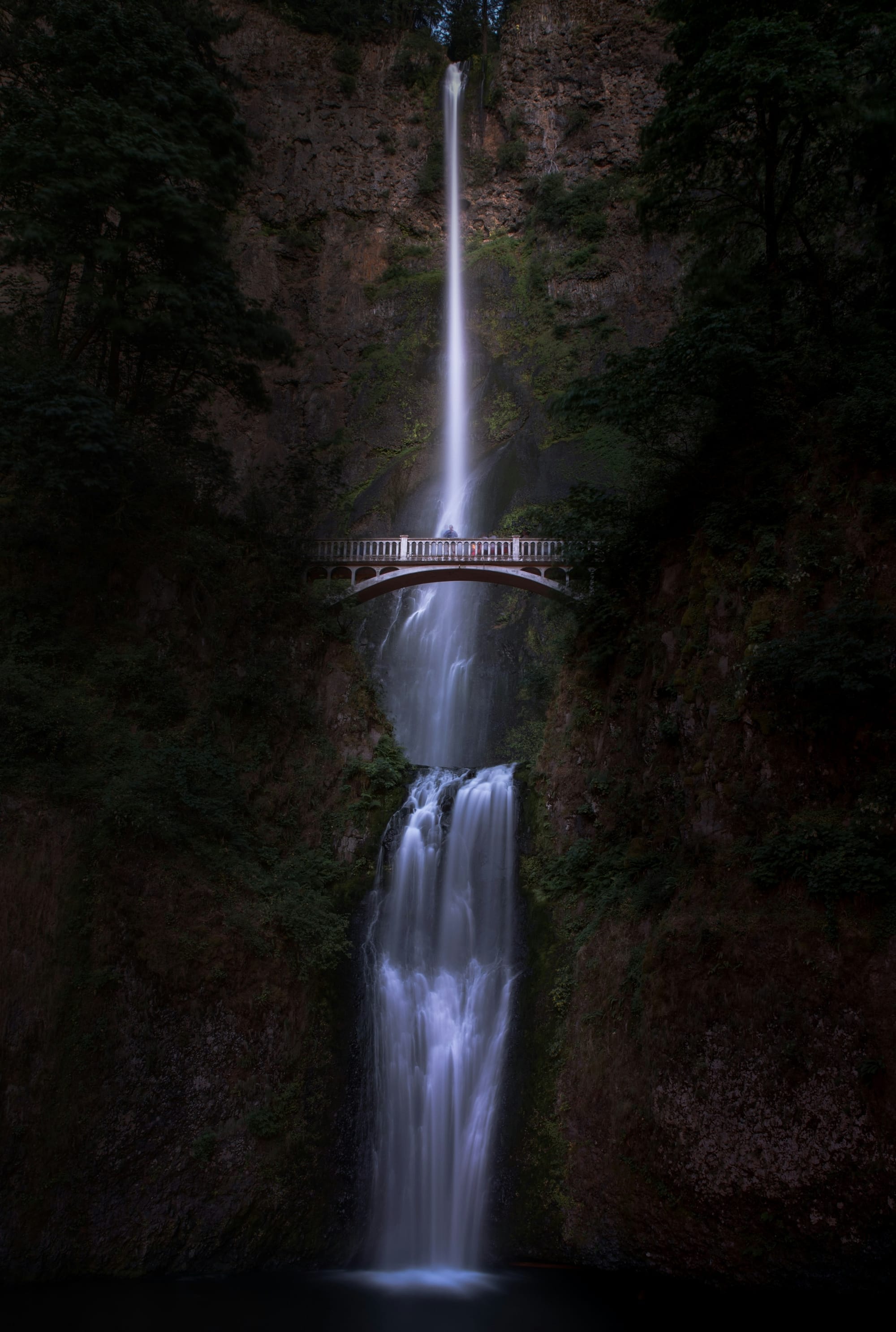
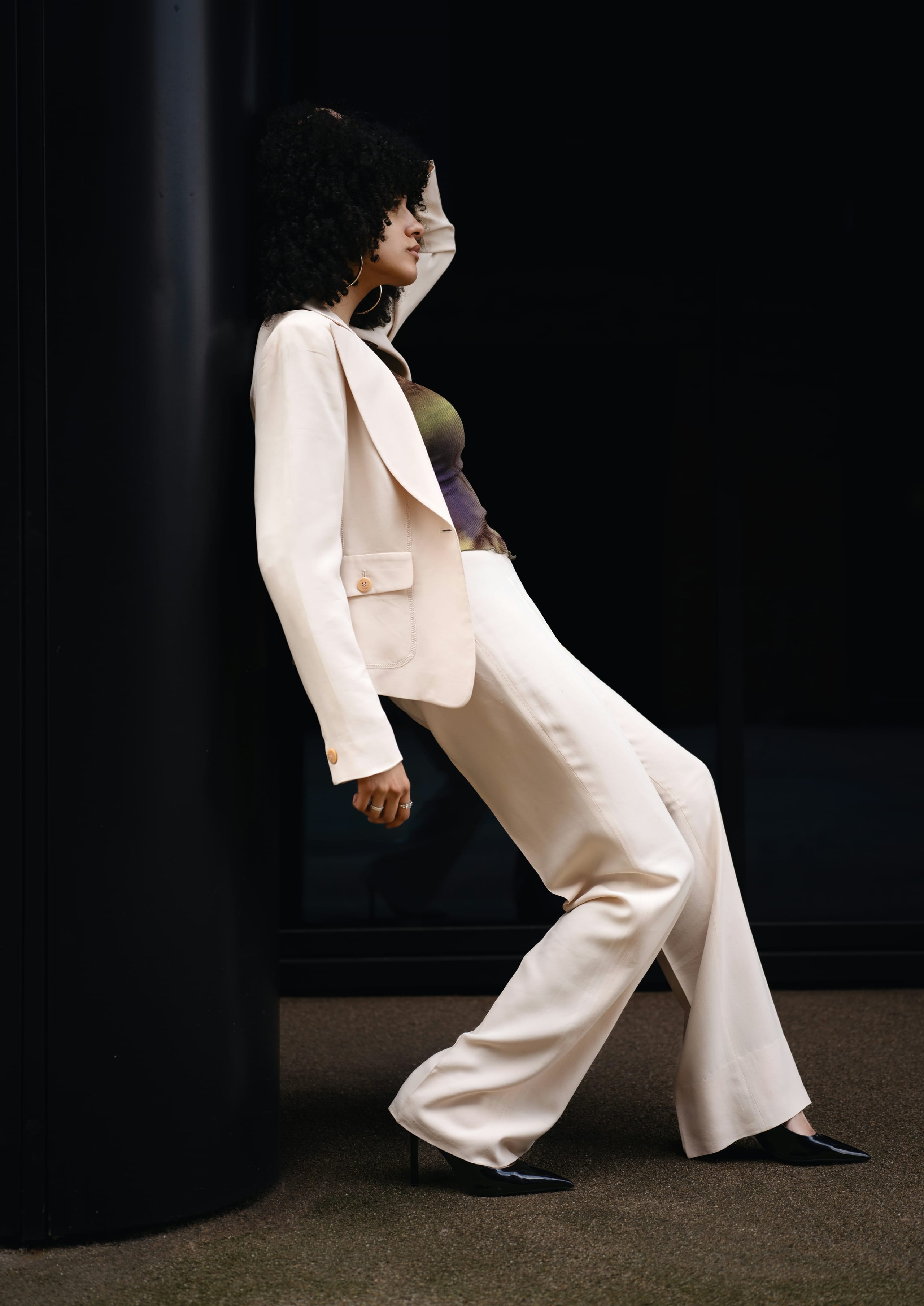
The Portrait Cover Bottom setting positions your hero image with the bottom edge aligned to the viewport, creating a dynamic reveal effect as visitors scroll down your page.
The Portrait Cover Middle setting positions your hero image with the vertical middle aligned to the viewport, creating a dynamic reveal effect as visitors scroll down your page.
The Portrait Cover Top setting positions your hero image with the top edge aligned to the viewport, creating a dynamic reveal effect as visitors scroll down your page.
The Portrait Cover Right setting positions your hero image with the right edge aligned to the viewport, creating a dynamic reveal effect as visitors scroll down your page.